

How to Upgrade to 2.5” Hard Drive or SSD in RAID and Expand your Storage Capacity on your HP ProLiant N40L Ultra Micro Server
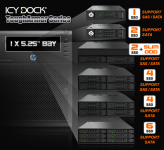
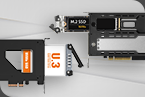
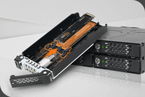
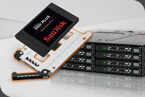
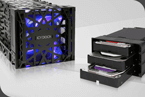
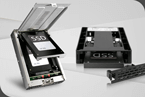
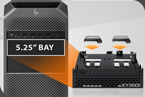
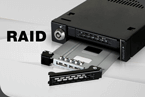
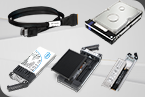
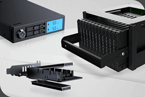
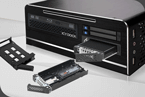
The HP ProLiant Microserver N40L is a great compact server for a lot of home users, and small business owners. It can be a great NAS server, especially for those on a lower budget or the smaller design. But because of its smaller design, there isn’t much room to upgrade components or expand outside of the available 4 x 3.5” SATA hard drive slots. But, by omitting the DVD slot on the N40L, this opens up possibilities for storage options such as: A SSD as your OS, a mirrored RAID 1 of your OS, or boosting your write performance by using L2ARC on SSDs. We’re going to show a few ways you can easily add hardware to your server to dramatically improve your system performance.