



Icy Dock ToughArmor MB16SP B 16 Bay
Today we have a massive 16 bay 2.5” SATA/SAS SSD/HDD bay from Icy Dock called the ToughArmor MB516SP-B. This new product from Icy Dock fit’s into two 5.25” bays; this is perfect for users who have needs for huge RAID arrays. Many cases do not have provisions for a large number of drive bays; if your case can handle two 5.25” bays, then the MB16SP-B 16 bay could be just the trick to fit 16 drives into your case.
ToughArmour MB516SP-B Specifications
Here is a quick look at the specs from Icy Dock on the MB516SP-B: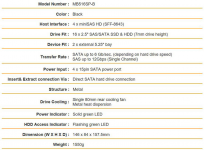
Icy Dock ToughArmor MB16SP B 16 Bay Specifications
The ToughArmour MB516SP-B will take up two 5.25” drive bays with its 146 x 84 x 157.5mm size. Each of the sixteen drive trays will hold a drive that is 7mm in height.
ToughArmour MB516SP-B Contents
As we have seen with several other Icy Dock products, the packaging includes a brown cardboard box with black printing that high lights the package contents.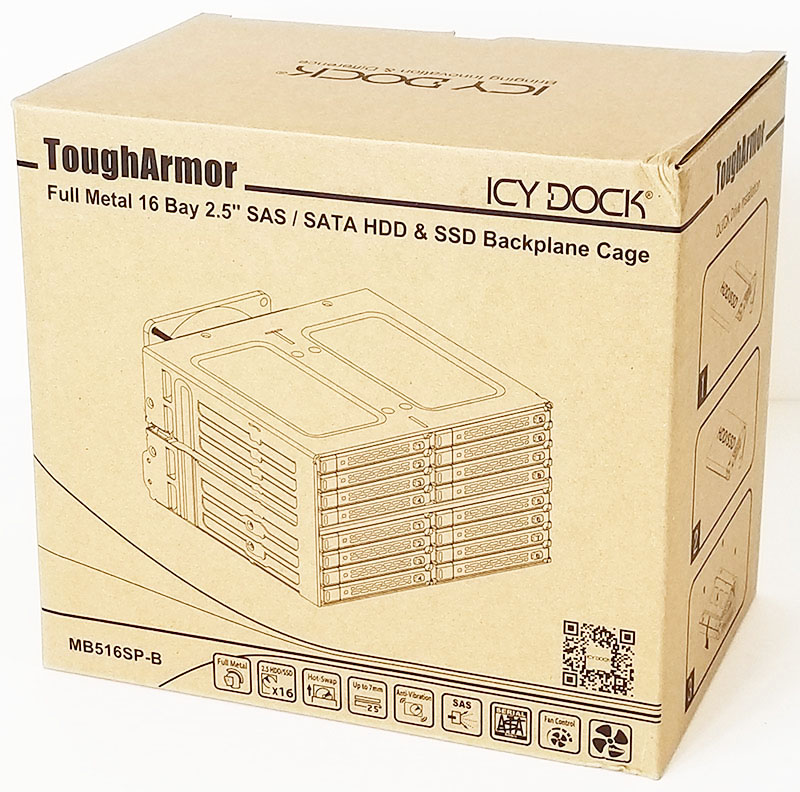
Icy Dock ToughArmor MB16SP B 16 Bay Retail Box Front
Package contents complete with an image of the product and various specifications and product highlights shown on the retail box front.
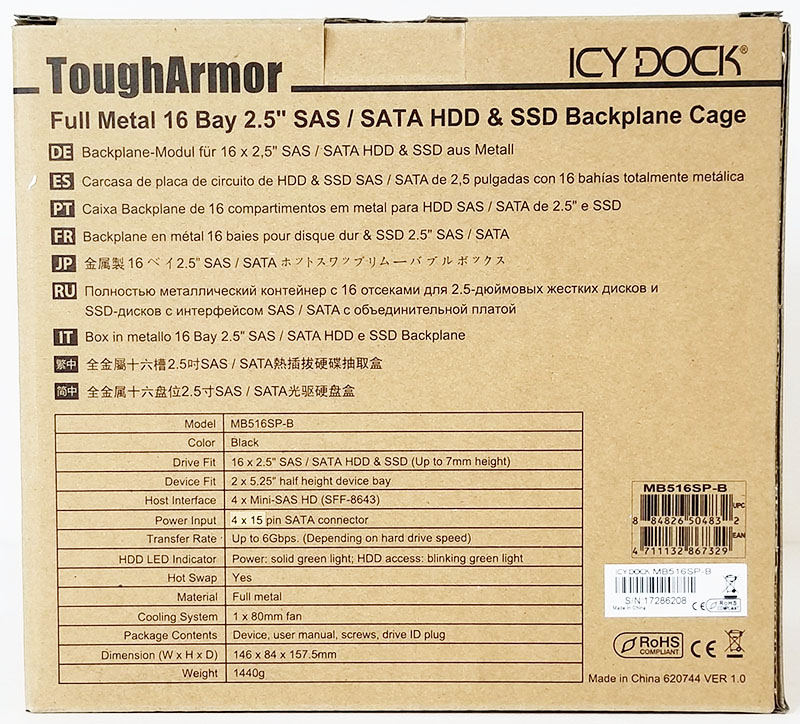
Icy Dock ToughArmor MB16SP B 16 Bay Retail Box Back
At the back of the retail box, we find the product specifications.
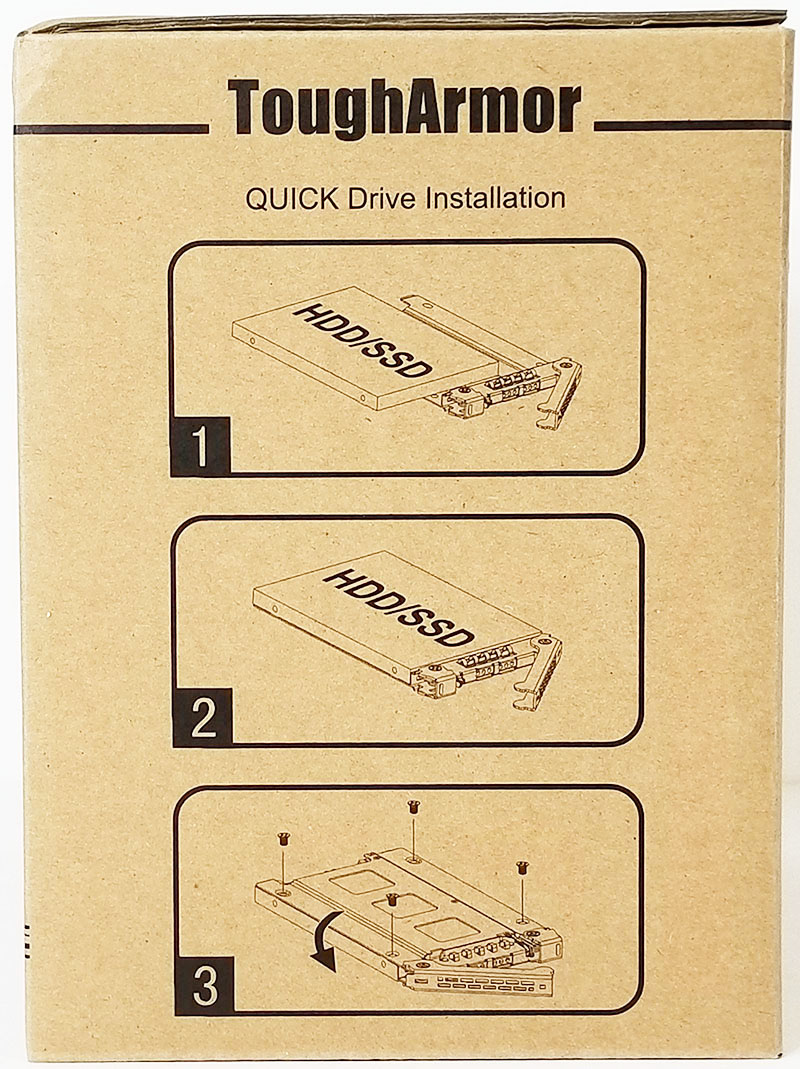
Icy Dock ToughArmor MB16SP B 16 Bay Retail Box Left Side
On the left side of the box shows the three steps needed to install an HDD/SSD onto a tray.
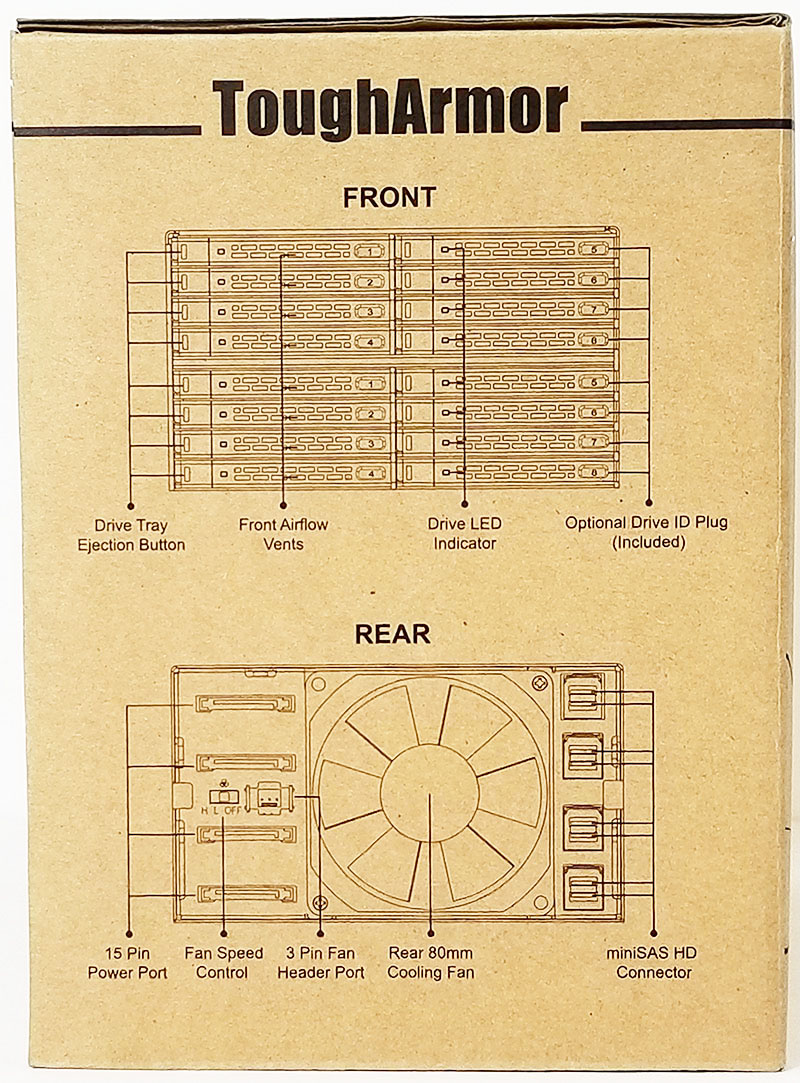
Icy Dock ToughArmor MB16SP B 16 Bay Retail Box Right Side
On the right side of the retail box, front and back product pictures show various product features for the MB516SP-B.
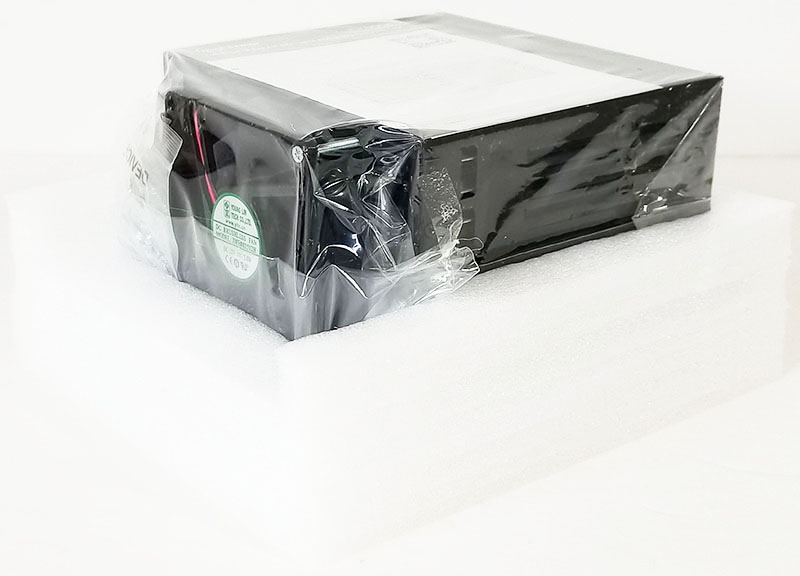
Icy Dock ToughArmor MB16SP B 16 Bay Packaging
The ToughArmour MB516SP-B is wrapped in a clear plastic bag and inserted between two large foam packaging inserts.
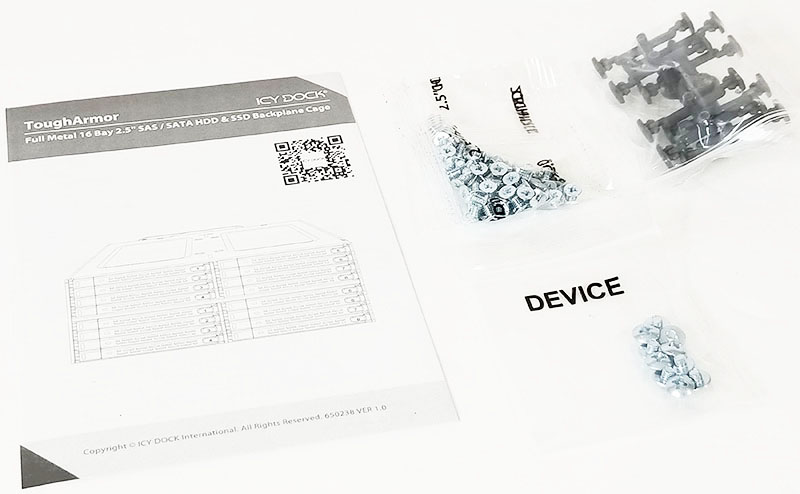
Icy Dock ToughArmor MB16SP B 16 Bay Accessories
Accessories included with the kit include two bags of screws used for mounting the ToughArmour MB516SP-B into a case and installing HDD/SSD’s onto the drive trays. For those that like to label each drive a package of drive ID labels provides a simple and effective way to do this.
Let us move on to the ToughArmour MB516SP-B.
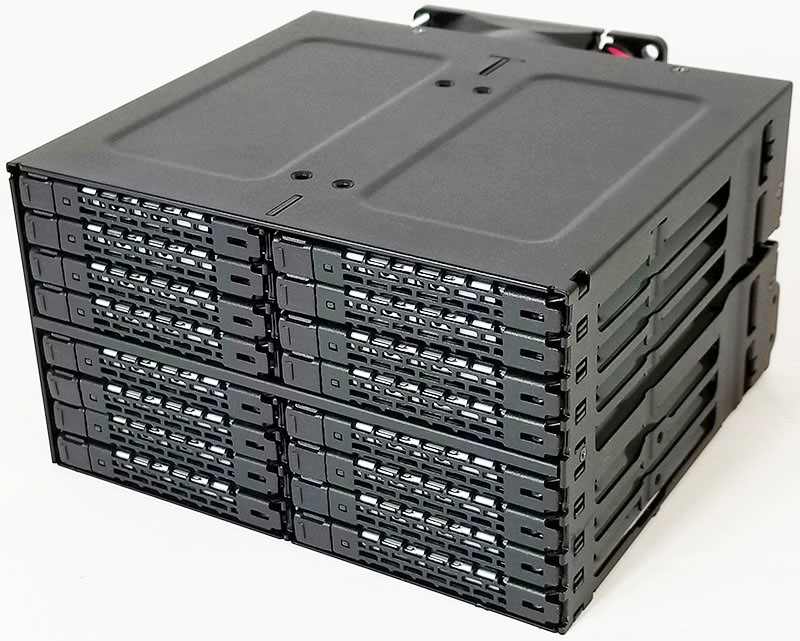
Icy Dock ToughArmor MB16SP B 16 Bay
The ToughArmour MB516SP-B has a metal construction and weighs in at 1550g. It does feel very solid with flexing only under fairly significant pressure.
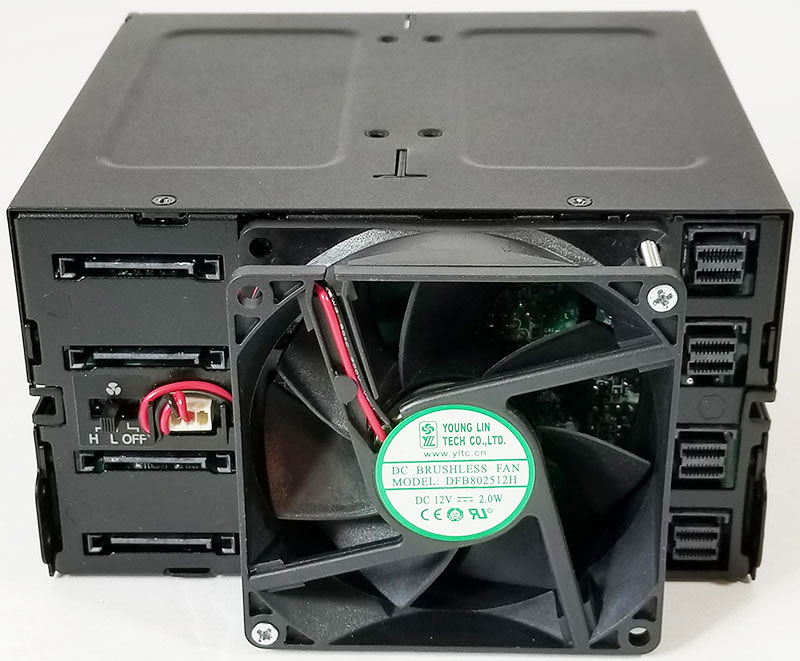
Icy Dock ToughArmor MB16SP B 16 Bay Back
At the back, we find an 80mm fan attached for cooling. At the left, we see four SATA power connectors with a fan speed switch in the middle. The right side includes four mini SAS HD (SFF-8643) ports to complete host connections.
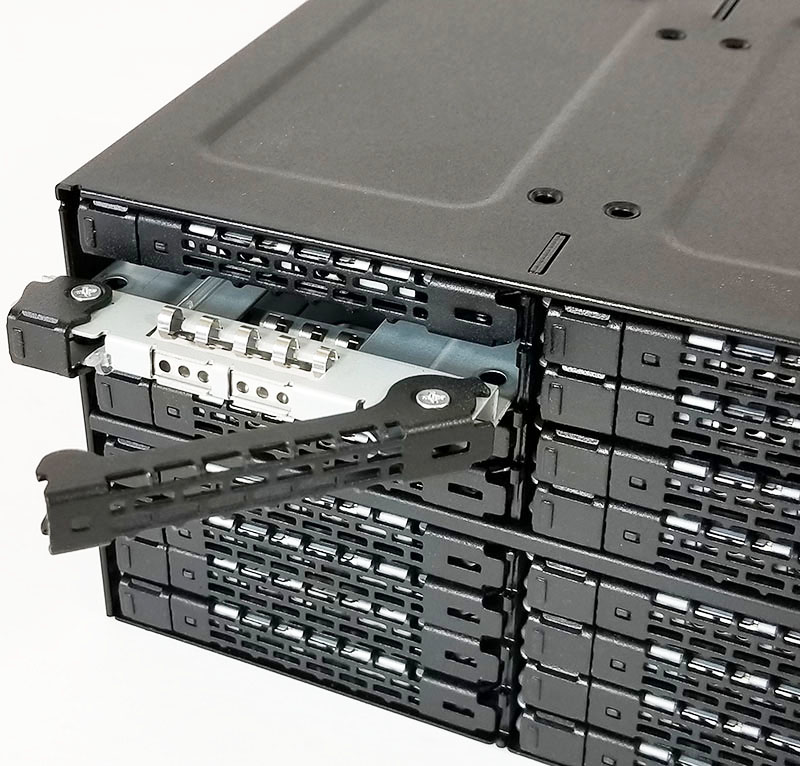
Icy Dock ToughArmor MB16SP B 16 Bay Tray Ejected
Located on the left side of the drive tray we find a locking latch, push this in to release. The drive tray will pop out which gives an excellent handhold to pull the tray out of its housing.
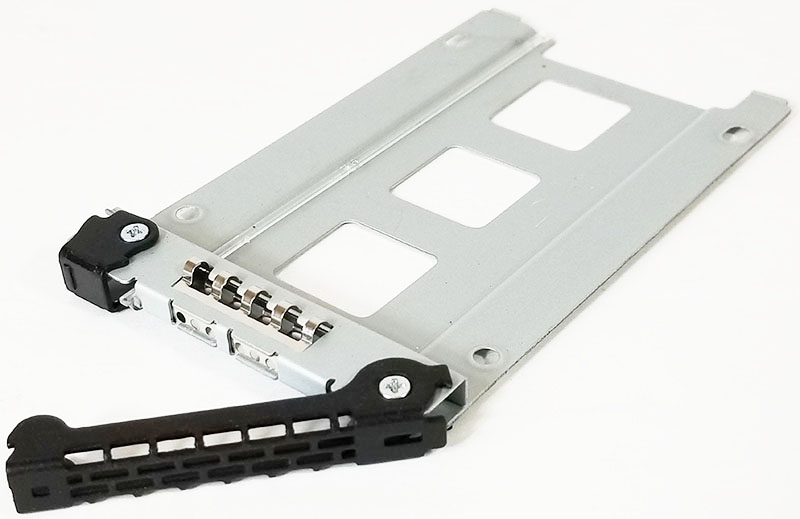
Icy Dock ToughArmor MB16SP B 16 Bay Drive Tray
With a drive tray removed we see the four mounting holes used to attach an HDD/SSD. A small clear plastic light channel supplies LED light to the front of the tray which shows drive activity status.
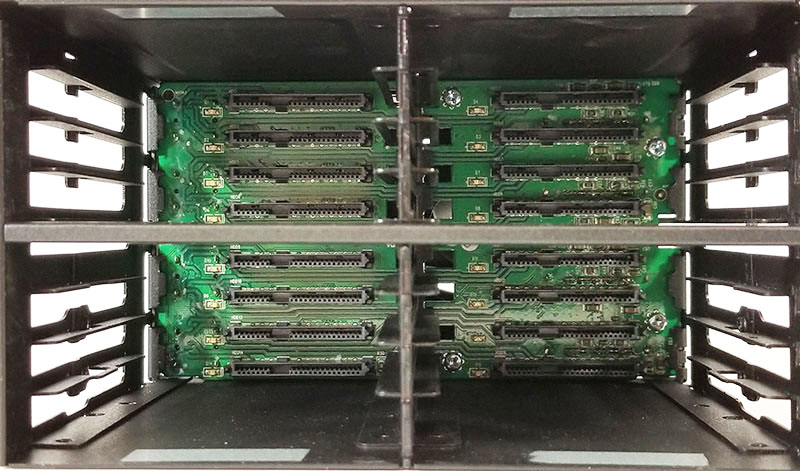
Icy Dock ToughArmor MB16SP B 16 Bay Back Plane
Here we have all the drive trays removed so we can get a look at the backplane. It is one solid PCB which spans the entire back of the MB516SP-B.
Icy Dock ToughArmor MB516SP-B Performance
We wanted to check whether introducing the hot-swap bay would impact performance so we directly attached 16x Intel DC S3610 drives to LSI SAS3 controllers to see if there was a major performance impact.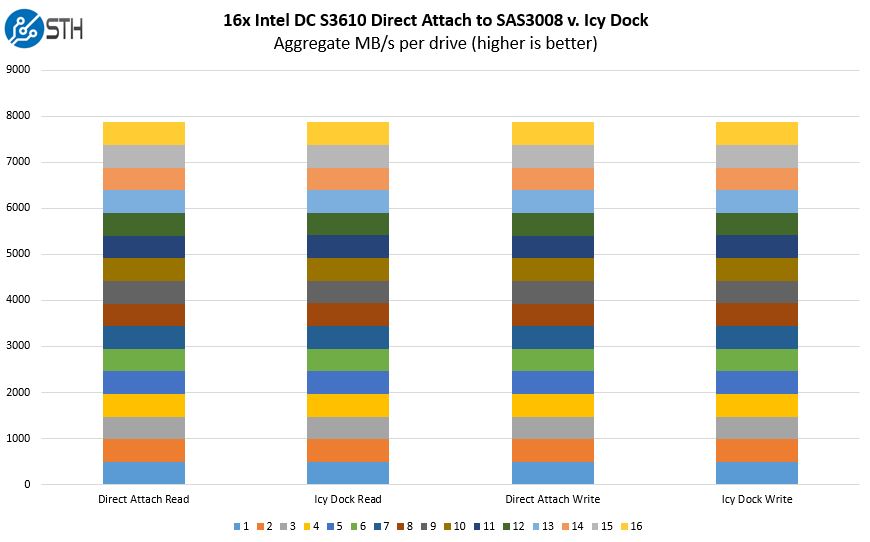
16x SATA Intel DC S3610 Direct Attach V Icy Dock Performance
The above graph shows aggregated results of all 16 drives. There were some differences on individual drives, but our aggregate performance was similar. This happens whenever testing an array of SSDs on SAS3 controllers.
Conclusion
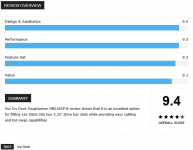
We generally prefer tray-less solutions however this is very dense. The Icy Dock solution allows for 16 SSDs to be packed into 2x 5.25″ bays. Compared to previous options that use standard 7-pin SATA cables. The use of SFF-8643 cabling is significantly cleaner and something that we really like.The eject buttons are also slightly stiff and require a little extra force to push to eject a drive. Also, it can be challenging to align drives into the proper groves when inserting a loaded drive tray back into the enclosure.
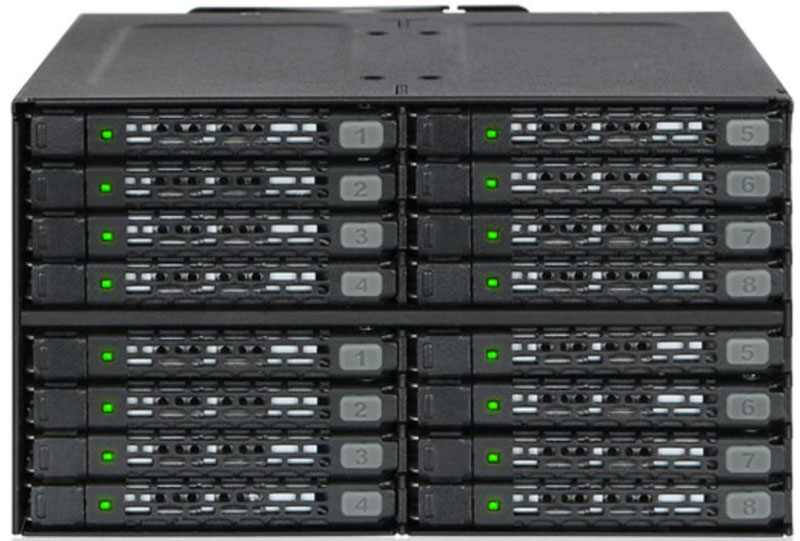
Icy Dock ToughArmor MB16SP B 16 Bay Outfitted With Drives
We are nit-picking here though. The Icy Dock ToughArmor MB16SP-B is an excellent unit that can uniquely address the needs of fitting 16 drives into a single chassis.


Last edited: