

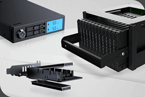
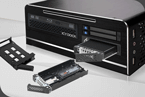


Icy Dock FlexiDOCK MB095SP B Front Top With SSDs And HDD
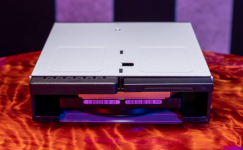
Icy Dock makes some very interesting products. The Icy Dock flexiDOCK MB095SP-B is certainly one of those. Effectively this 5.25″ drive bay accessory gives one the ability to mount two 2.5″ SATA and one 3.5″ SATA device in a single bay. We have seen 5.25″ enclosures before, but this one prioritizes flexibility.
Icy Dock flexiDOCK MB095SP-B
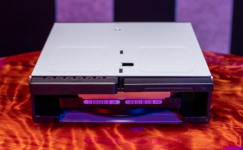
The device itself fits in a 5.25″ drive bay that is quite standard. That is still important since most optical drives transitioned to thinner form factors years ago and 5.25″ hard drives fell out of favor about two years ago. While many chassis still have 5.25″ drive bays, an increasing number of chassis skip this standard for a slim ODD bay instead. The simple point is to ensure you have a 5.25″ bay these days if you are looking to install this adapter as many systems no longer support them.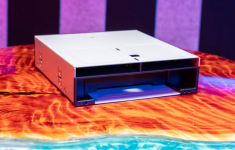
Icy Dock FlexiDOCK MB095SP B Front Three Quarter Top
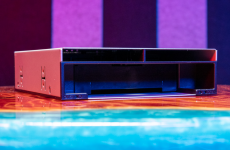
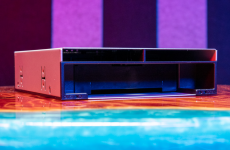
The front of the enclosure has two 2.5″ drive bays on top and a single 3.5″ bay on the bottom.
Icy Dock FlexiDOCK MB095SP B Front Three Quarter Low Right
Something that is a bit different here is that these drive bays are extremely exposed. There are no drive trays nor latches to secure drives. Instead, one simply puts them into the enclosure much like an external USB dock.
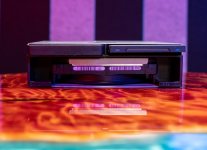
Icy Dock FlexiDOCK MB095SP B Front With SSDs And HDD
The top drives simply slide in and the 3.5″ bottom drive has a plastic flap that protects the 3.5″ connector. We are not entirely sure why the 3.5″ drive needs this but the 2.5″ drives do not.
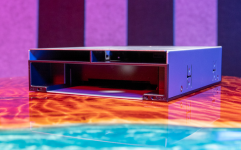
Icy Dock FlexiDOCK MB095SP B Front Three Quarter Low Left With Flap Partial Open
One item we wish that Icy Dock figured out how to change is allowing more space on either side of the chassis. Not only will most HDD carriers not fit, but also simple screw mounting popular in many lower-end NAS devices, and even the HPE ProLiant MicroServer Gen10 Plus we reviewed, will not fit. Since this is designed to be a fast swappable enclosure, it would have been nice to see extra space on the side designed to allow hot-swap drives to be inserted without having to remove them from other mounting systems.
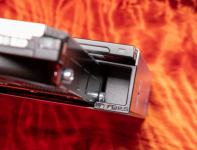
Icy Dock FlexiDOCK MB095SP B HDD Opening With Screw
When installed in a chassis, that also means that the drives stick out from the enclosure, and from the system that they are in. This adds a lot of ease to the operation, but it also means that this is a less secure method to use a drive.
Icy Dock FlexiDOCK MB095SP B Front Top With SSDs And HDD
We are going to quickly note that Icy Dock makes M.2 SATA to 2.5″ SATA SSD adapters that give a bit more flexibility. In an enclosure like this where one simply wants to quickly install drives, this may actually be useful. The 9.5mm “drive” shown is the Icy Dock EZConvert MB703M2P-B with a Kingston 2242 M.2 SATA SSD.
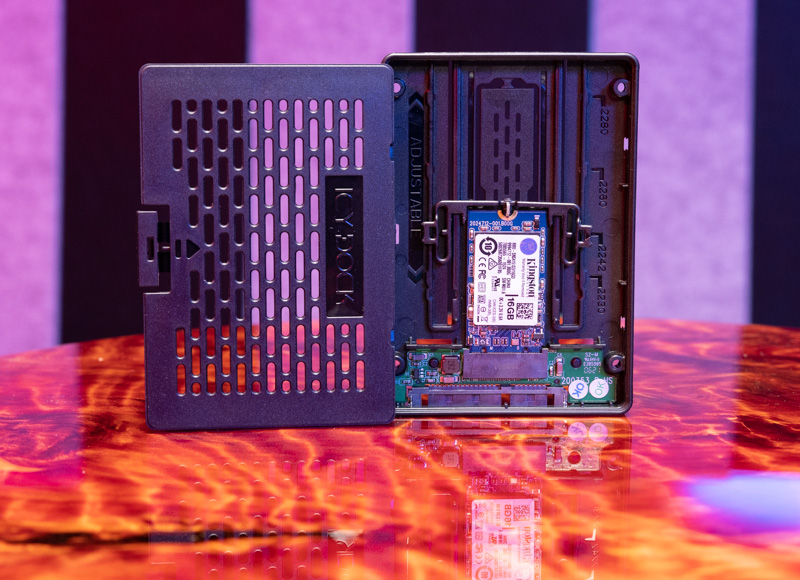
Icy Dock EZConvert MB703M2P B With Kingston SSD
Also to note, your options for the 2.5″ drive bays are drives up to 9.5mm tall but 15mm drives will be too tall so not all 2.5″ drives will fit. You can see the 3.84TB Seagate Iron Wolf NAS SSD that is thinner behind the thicker 9.5mm converter.
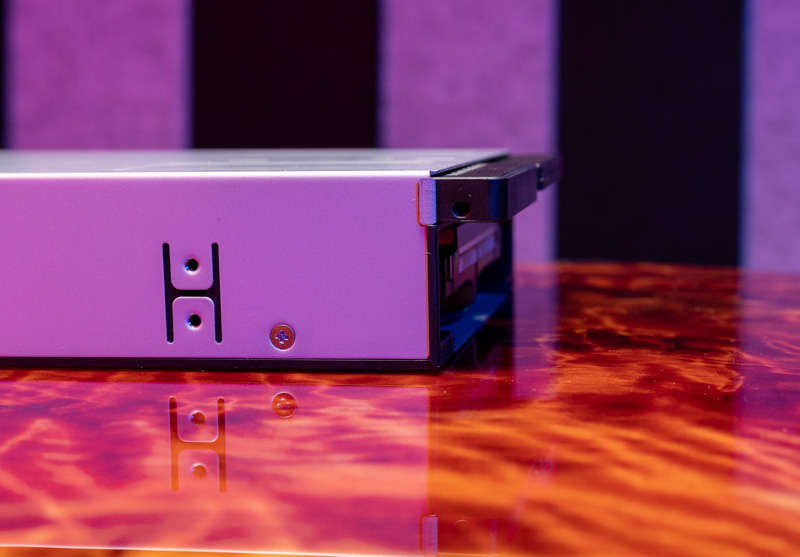
Icy Dock FlexiDOCK MB095SP B Front Side With SSDs And HDD
The rear of the unit has four primary connectors. There are three 7-pin SATA III connectors and a SATA power input.
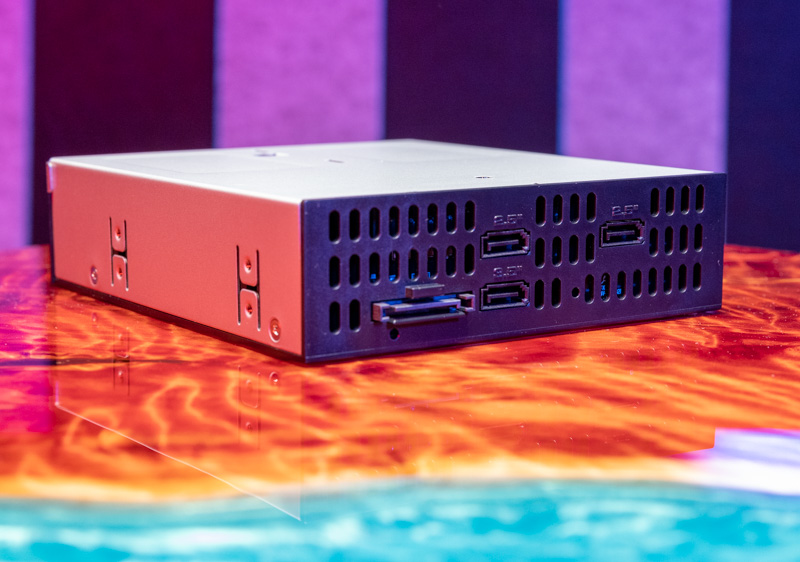
Icy Dock FlexiDOCK MB095SP B Rear 1
One can think of this as having a SATA power splitter cable built-in. The orientation of the SATA connectors matches the front panel, but these are also labeled.
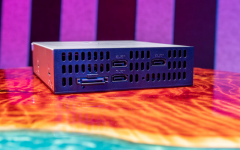
Icy Dock FlexiDOCK MB095SP B Rear 2
One will also notice that there are no fans on this unit. Only passive air holes for cooling. That also makes the unit silent compared to many enclosures with fans. Again, part of this is also that a substantial part of each drive will be hanging outside of the chassis.
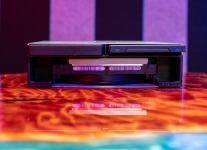
Icy Dock FlexiDOCK MB095SP B Front With SSDs And HDD
Finally, one item we need to point out is that drives get hot when in operation whether they are SSDs or HDDs. Icy Dock should be putting a warning label on this enclosure on the front, stating drives may be hot. This is important since the function of this enclosure is to pull drives directly. Pulling a hot HDD or SSD may cause injury so this needs a warning label.
Icy Dock flexiDOCK MB095SP-B Specs
Here are the key specs for the unit:
Icy Dock FlexiDOCK MB095SP B Key Specs
This is a more standard set of specs, especially as this is based on the SATA III interface that has not changed in many years.
Icy Dock flexiDOCK MB095SP-B Performance
For this, we had a fairly simple test scenario. We tested how the SSDs and hard drives performed using the chassis and then bypassing the Icy Dock to see how they performed. We used CrystalDiskMark just to validate performance and did a baseline of the sequential performance with a direct connection from the AMD EPYC system to the drives and then using the enclosure.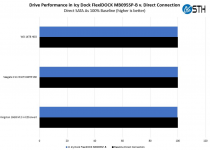
Icy Dock FlexiDOCK MB095SP B Performance
From what we saw, there was no impact to adding the enclosure from a performance perspective. The small variations are all under 0.5% and are normal test variations.
Final Words
With the Icy Dock flexiDOCK MB095SP-B, we have something different. While many 5.25″ enclosures prioritize physically securing drives, this enclosure is somewhat of the opposite. It is made for quickly swapping drives in and out. We did not notice any performance degradation from using the enclosure which is what we would expect.
Icy Dock FlexiDOCK MB095SP B Front Three Quarter Low Right
To me, the perfect use case for this is as a solution to dump data to and from SATA devices. An example is pulling footage from 2.5″ SSDs for video editing onto a NAS or workstation. Another example is then putting a lot of assets onto a 3.5″ drive for shipping out. Another example may be as a tech where one has to connect drives for imaging. This also presents the challenge as that means that this enclosure is competing with external USB docks. Still, there is something nice about having an integrated solution.


Last edited: